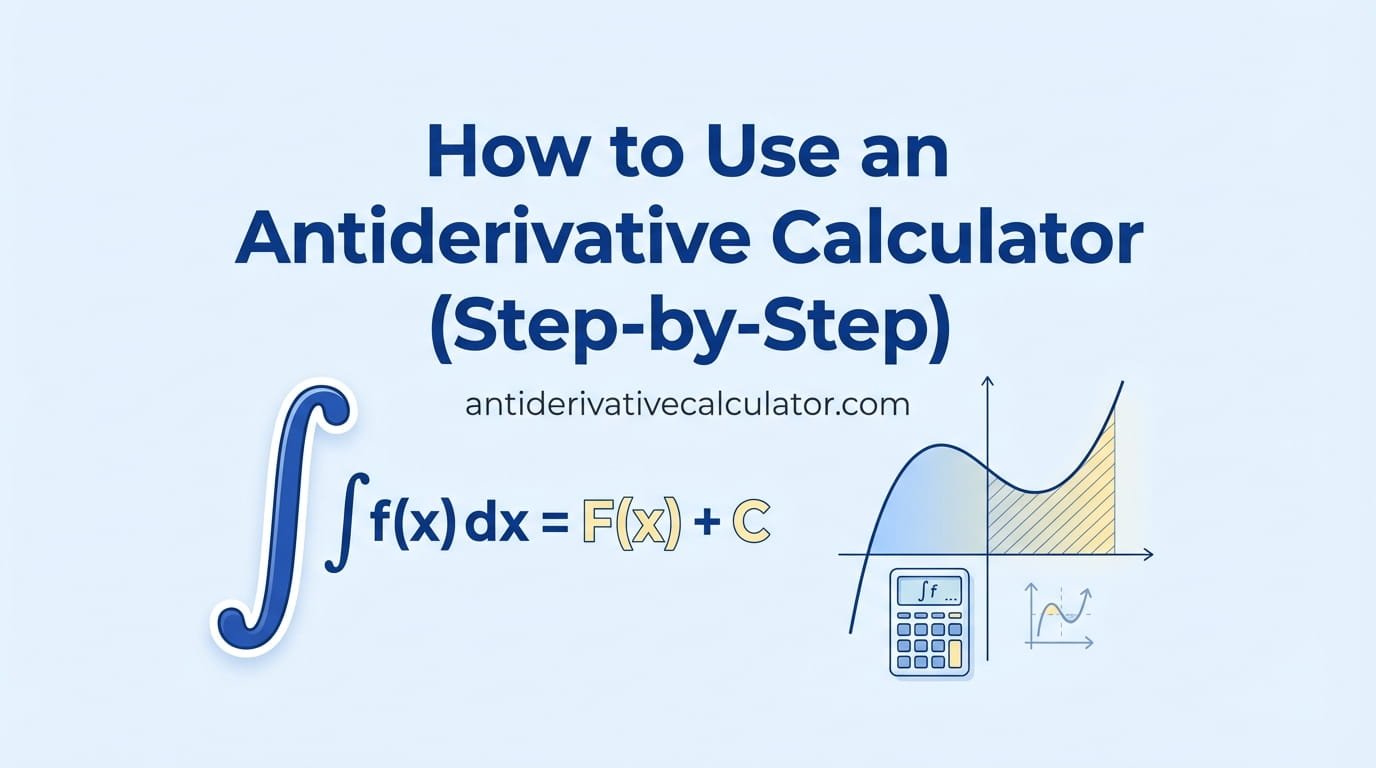
To use an antiderivative calculator: type the function (for example x^2 sin(x)), check the preview to make sure it was read correctly, choose the variable, and press Solve. Then read the answer, open the step-by-step solution, and look at the “Check by differentiating” line to confirm the result.
An antiderivative calculator can save you time and teach you a lot, but only if it understands what you typed and you understand what it shows. This tutorial walks through the free antiderivative calculator on this site from input to answer, explains every part of the output, and ends with a troubleshooting table for the most common errors.
Step 1: Type the Function Correctly
Most wrong answers come from typing, not from the math. Use this table:
| You want | Type | Watch out |
|---|---|---|
| \(x^3\) | x^3 | Use ^ for powers |
| \(5x\) | 5x | No star needed |
| \(e^{2x}\) | e^(2x) | Brackets around the whole exponent |
| \(\sin^2 x\) | sin(x)^2 | Not sin^2x on every calculator |
| \(\sqrt{x+1}\) | sqrt(x+1) | Or (x+1)^(1/2) |
| \(\frac{1}{x^2+1}\) | 1/(x^2+1) | Brackets around the bottom |
| \(\ln x\) | ln(x) | log also means natural log here |
| \(\tan^{-1}x\) | arctan(x) | Not tan(x)^-1, which means \(\cot x\) |
The classic typing mistake: 1/x+1 means \(\frac{1}{x} + 1\), not \(\frac{1}{x+1}\). When in doubt, add brackets.
On a phone, tap Math keyboard for buttons like √, π, sin and ln, so you do not have to hunt for symbols.
Step 2: Check the Preview
As you type, the line “We read this as:” shows your input as real math. This is your chance to catch typing mistakes before solving. If you typed 1/x+1 but meant \(\frac{1}{x+1}\), the preview will show \(\frac1x + 1\), and you can fix it.
Step 3: Choose the Variable
The default variable is \(x\). If your function uses \(t\) (common in physics) or another letter, change the Variable box. Any other letters are treated as constants. For example, with variable \(x\), \(\int a x^2\,dx = \frac{a x^3}{3} + C\).
Step 4: Read the Answer Box
- The answer is shown as real math, with \(+C\).
- ✓ Verified means the calculator differentiated its own answer and got your function back.
- Check by differentiating shows that derivative, so you can see the check yourself.
- Copy answer and Copy LaTeX let you paste the result into notes or homework software. Share link saves the problem in a link you can send to a classmate or teacher.
Step 5: Learn From the Steps
Open Step-by-step solution. Each step names the rule it used, such as “Power rule”, “U-substitution” or “Integration by parts”, with a short explanation in plain English. Steps that hide extra work have a “Show how” button. The Graph tab draws your function and its antiderivative together, so you can see that the antiderivative rises wherever the function is positive.
Best way to learn: try the problem on paper first, then open only the first step if you are stuck. Close it and keep going yourself. You will remember a method you finished on your own much better than one you only read.
Three Walkthroughs
Walkthrough 1: a polynomial
Type 3x^2 + 2x + 1. The calculator uses the sum rule and the power rule three times and returns \(x^3 + x^2 + x + C\). Every step is one rule, which makes this a good first example for beginners.
Walkthrough 2: a substitution
Type x cos(x^2). The calculator notices that \(x\) is half the derivative of \(x^2\), chooses \(u = x^2\), and returns \(\frac12\sin(x^2) + C\). The steps show exactly how \(du\) replaces \(x\,dx\). Compare with the method in our u-substitution guide.
Walkthrough 3: integration by parts
Type x e^x. The calculator explains its LIATE choice (\(u = x\), \(dv = e^x\,dx\)) and returns \(e^x(x – 1) + C\), which is the same as \(xe^x – e^x + C\). If you want to force this method, use the integration by parts calculator.
Troubleshooting
| What you see | Likely cause | Fix |
|---|---|---|
| “Keep typing… check your brackets” | A bracket is missing or an operator is doubled | Count opening and closing brackets |
| The answer is for a different function | Missing brackets, like 1/x+1 | Check the preview, add brackets |
| A message says there is no antiderivative made of standard functions | The function has no formula, like \(e^{x^2}\) | Use a definite integral and the definite integral calculator |
| Your textbook’s answer looks different | Equal forms or a different constant | Differentiate both |
| You need an area, not a formula | You want a definite integral | Use the integral calculator’s Definite tab |
Which Calculator for Which Job?
- Antiderivative calculator: any indefinite integral, with the method chosen for you.
- Integral calculator: indefinite and definite integrals in one place.
- U-substitution calculator and integration by parts calculator: to practice one specific method.
- Derivative calculator: to check an antiderivative you found by hand.
Calculators for This Topic
Practice what you just read. Each tool shows full steps and checks its own answer.
- ∫Antiderivative Calculator – Find any antiderivative with full steps and a check.
- ∫Integral Calculator – Solve indefinite and definite integrals step by step.
- uU-Substitution Calculator – See how to pick u and du for any substitution.
Frequently Asked Questions
How do I enter powers and roots in an antiderivative calculator?
Use ^ for powers, like x^3, and sqrt() for square roots. For other roots, use fraction powers, like x^(1/3).
What does “Verified” mean?
It means the calculator took the derivative of its answer and got back exactly the function you entered, so the answer is confirmed correct.
Can I use the calculator for definite integrals?
Yes. Use the definite integral calculator or the Definite tab of the integral calculator, and enter the lower and upper limits.
Why does my answer have no + C?
Indefinite answers on this site always include \(+C\). If you are looking at a definite integral, there is no \(+C\) because the constant cancels.
Does the calculator work on phones?
Yes. The layout adjusts to small screens, long equations wrap to fit, and the Math keyboard button gives you buttons for common symbols.