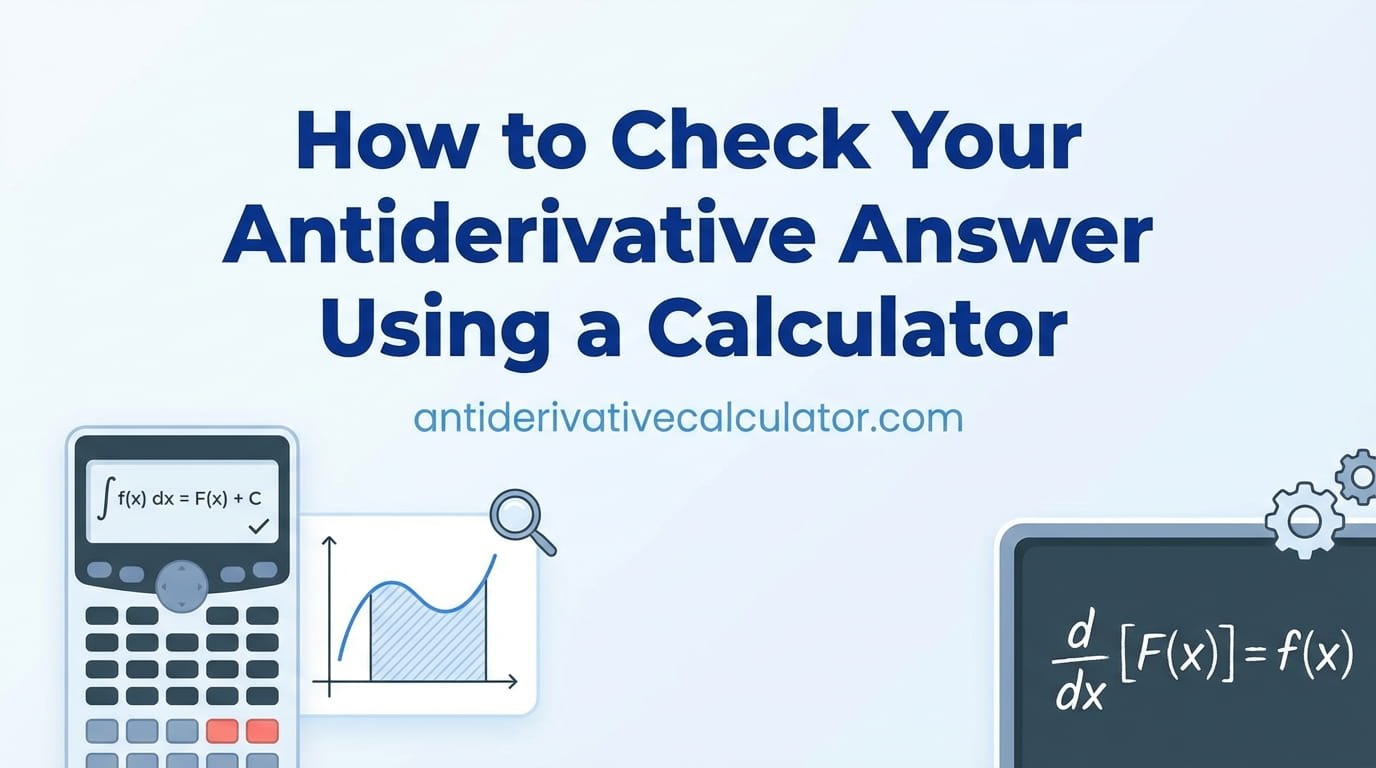
How to Check Your Antiderivative Answer Using a Calculator
You have worked through an integration problem carefully, applied the right rules step by step, and arrived at an answer. But now comes the question every calculus student asks at some point: “How do I know if my answer is actually correct?”
The good news is that checking an antiderivative answer is one of the most straightforward verification processes in all of calculus. There are two reliable methods — one you can always do by hand, and one that uses an antiderivative calculator to confirm your result instantly. Used together, these two methods give you complete confidence in every answer you produce.
In this guide, you will learn both methods in full detail, see exactly how to use an antiderivative calculator to verify your work step by step, understand how to interpret results even when two correct answers look different, and build the checking habits that top calculus students rely on every single time.
Why Checking Your Answer Matters in Calculus
In many areas of math, checking an answer is optional — a nice habit but not essential. In calculus, it is much more important than that. Here is why.
Integration problems involve multiple steps, several rules, and quite a few places where a small error can completely change the final result. A dropped negative sign, a forgotten coefficient, or a misapplied rule in step two will make every step after it wrong — even if your method was perfectly sound.
These errors are also genuinely hard to spot just by reading back through your work. When you re-read your own steps, your brain tends to see what you intended to write rather than what you actually wrote. An independent check — whether by hand or using a calculator — catches those invisible errors that self-review misses.
Developing a consistent checking habit now will save you marks on every calculus exam you take from here on.
Method 1: Verify by Differentiating Your Answer by Hand
This is the most fundamental checking method in all of calculus — and it works without any tools at all. Because differentiation and integration are exact opposites, differentiating your antiderivative should always give you back the original function.
Here is the step-by-step process:
- Write down your antiderivative answer — including the + C.
- Differentiate it using whichever derivative rules apply — power rule, chain rule, product rule, trig derivatives, and so on.
- Simplify the result as much as possible.
- Compare to the original function. If they match exactly, your antiderivative is correct. If they do not, an error exists somewhere in your working.
Notice that + C disappears during differentiation — since the derivative of any constant is zero. That is expected and correct. The + C does not affect the verification result at all.
This hand-verification method has one huge advantage: it reinforces your derivative skills at the same time as confirming your integration work. Every time you use it, you are practicing two topics at once. That is one of the reasons the best calculus students make it a non-negotiable habit.
Method 2: Use an Antiderivative Calculator to Check Your Result
The second method uses an antiderivative calculator to independently compute the antiderivative of the same function you integrated. You then compare the calculator’s result to your own answer.
Here is the full step-by-step process for this method:
Step 1 — Have Your Own Answer Ready
Before opening the calculator, make sure you have worked through the problem yourself and written down a complete answer — including + C. The comparison only has value if you have genuinely attempted the problem first. If you open the calculator before attempting anything, you are not checking your work — you are just reading someone else’s answer.
Step 2 — Enter the Original Function Correctly
Type the original function — not your answer — into the calculator’s input field. This is the function you integrated in the first place. The calculator will independently find its antiderivative, giving you a clean reference point to compare against.
Format your input carefully using these conventions:
- Use ^ for exponents: x cubed is x^3.
- Use * for multiplication where needed: 5 times x is 5*x.
- Use parentheses to group expressions clearly: e^(2x) not e^2x.
- Write trig functions in lowercase with parentheses: sin(x), cos(x), tan(x).
- Write the natural log as ln(x) and the natural exponential as e^(x).
Step 3 — Confirm the Variable of Integration
Make sure the calculator is set to integrate with respect to the correct variable. For most beginner problems this is x, but always double-check — especially if your problem uses t, u, or another letter. Using the wrong variable produces a completely different result that will confuse the comparison.
Step 4 — Run the Calculation and Read the Full Output
Press calculate and read the entire result carefully. Do not just glance at it. Note the full expression, how it is structured, and where + C appears. Take a moment to make sure you understand what each part of the output represents before moving to the comparison step.
Step 5 — Compare Your Answer to the Calculator’s Result
Place your answer and the calculator’s answer side by side. Now compare them carefully. There are three possible outcomes — and each one tells you something different:
- They match exactly — your answer is correct and your process was clean. Well done.
- They look different but might be equivalent — this is common and does not necessarily mean you are wrong. See the next section for how to handle this.
- They are genuinely different — an error exists somewhere in your working. Use the calculator’s answer as a guide to find exactly where your process diverged.
Step 6 — Investigate Any Differences
If your answer and the calculator’s answer do not match, do not simply accept the calculator’s version and move on. Go back through your working line by line. Identify which rule you applied at each step, check whether you applied it correctly, and find the specific step where your result started to differ from the correct path.
This investigation step is where the real learning happens. Finding your own mistake and understanding exactly why it was wrong is far more valuable than simply seeing the correct answer.
When Two Correct Answers Look Different
One of the most confusing situations in calculus is when you are completely confident in your answer — and the calculator returns something that looks different. Before assuming you are wrong, consider these common reasons why two equivalent answers can look very different on the surface.
Different Forms of the Same Expression
Calculators often return answers in a simplified or factored form that looks quite different from an expanded version. For example, your answer might be 2x³ + 4x and the calculator shows 2x(x² + 2). These are identical — just written differently. Expand the calculator’s version and see if it matches your expanded form.
Trigonometric Identities
Trig antiderivatives are especially prone to looking different when both versions are actually correct. For example, −cos²(x)/2 and sin²(x)/2 look nothing alike — but they differ only by a constant, which means both are valid antiderivatives of the same function. When trig functions are involved and your answer looks different, check whether a standard trig identity connects the two expressions.
Difference Only in the Constant C
Remember that any two antiderivatives of the same function can differ by a constant and both be perfectly correct. If your answer is x² + 3 and the calculator returns x², those answers are equivalent — the difference is absorbed into the + C. This is completely normal and not an error on your part.
How to Confirm Equivalence
The fastest and most reliable way to confirm that two different-looking answers are actually equivalent is to differentiate both of them. If both derivatives equal the original function, both answers are correct. This is a clean, definitive test that removes all doubt.
Worked Examples: Checking Antiderivative Answers Step by Step
Original function: 6x² + 4x − 3
Your answer: 2x³ + 2x² − 3x + C
Hand verification:
Differentiate 2x³ + 2x² − 3x + C:
→ 6x² + 4x − 3 + 0 = 6x² + 4x − 3 ✓
Calculator check:
Enter: 6x^2 + 4x − 3, variable = x.
Calculator returns: 2x³ + 2x² − 3x + C
Comparison: Exact match. ✓
✅ Answer confirmed correct by both methods.
Original function: sin(x)
Your answer (incorrect): cos(x) + C
Hand verification:
Differentiate cos(x) + C:
→ −sin(x) ✗ (Not equal to the original sin(x))
Calculator check:
Enter: sin(x), variable = x.
Calculator returns: −cos(x) + C
Comparison: Your answer is cos(x) + C. Calculator returns −cos(x) + C. They differ by a negative sign.
Error identified: The antiderivative of sin(x) is −cos(x) + C — not cos(x) + C. The negative sign was dropped. This is one of the most common trig integration mistakes.
✅ Error caught and identified. Correct answer: −cos(x) + C.
Original function: 2x
Your answer: x² + 5 + C
Calculator result: x² + C
Do they match? They look different — yours has a + 5 and the calculator’s does not.
Are they both correct? Yes. The + 5 in your answer is simply a specific value of C. Both x² + 5 and x² are valid antiderivatives of 2x — they differ only by a constant, which is exactly what + C represents.
Hand verification of your answer:
Differentiate x² + 5 + C → 2x + 0 + 0 = 2x ✓
✅ Both answers are correct. The apparent difference is just a different value of C.
Building a Checking Habit That Sticks
Knowing how to check your work and actually doing it consistently are two different things. Here are some practical tips for making verification a natural part of every integration session:
- Make it the last step, every time. Treat checking as a required final step — not an optional extra. Build it into your process the same way + C is a required part of every answer.
- Use both methods when learning something new. When you are first learning a new rule — like the trig antiderivatives or integration by parts — use both hand verification and the calculator check on every problem. The double confirmation builds confidence and catches different types of errors.
- When you find an error, understand it before moving on. Do not just note that you were wrong and write down the right answer. Understand specifically why your step was incorrect. That understanding is what prevents the same error from happening again.
- Keep a record of repeated mistakes. If the same type of error keeps appearing — a dropped negative, a forgotten coefficient division — write it down. Review that list before your next exam. Targeted awareness of your own weak spots is one of the most effective study strategies in calculus.
Frequently Asked Questions
What is the fastest way to check if my antiderivative is correct?
The fastest method is to differentiate your answer by hand. If the derivative of your antiderivative equals the original function, the answer is correct — guaranteed. This check takes only seconds for most beginner-level problems and works without any tools at all. Using an antiderivative calculator alongside this gives you a second layer of confirmation and helps you spot errors in cases where your own differentiation might also contain a mistake.
My answer and the calculator’s answer look different — does that mean I am wrong?
Not necessarily. Two antiderivative expressions can look very different but still both be correct. The most common reasons are different levels of simplification, factored versus expanded forms, trigonometric identities connecting the expressions, or a difference only in the constant C. To settle the question definitively, differentiate both versions. If both give back the original function, both answers are correct and equivalent.
How do I use the antiderivative calculator on this site to check my work?
Enter the original function you integrated — not your answer — into the input field, confirm the variable of integration is set correctly, and press calculate. The calculator will independently compute the antiderivative and display the full result including + C. Compare that result to your own answer step by step, investigate any differences carefully, and always follow up by differentiating the result to confirm it gives back the original function. That complete process turns every check into a genuine learning opportunity.
Conclusion
Checking your antiderivative answer is not optional — it is one of the most important habits you can build in calculus. Differentiate your result by hand to confirm it gives back the original function, then use the antiderivative calculator on this site to cross-check your answer and catch anything you might have missed. When your answers match, your confidence is fully justified. When they differ, you have an opportunity to find and fix a mistake before it costs you marks. Use both methods consistently, investigate every discrepancy, and let each checking session make you a more accurate and more confident calculus student. The calculator is right here — your next verified answer is just a few clicks away!
“`